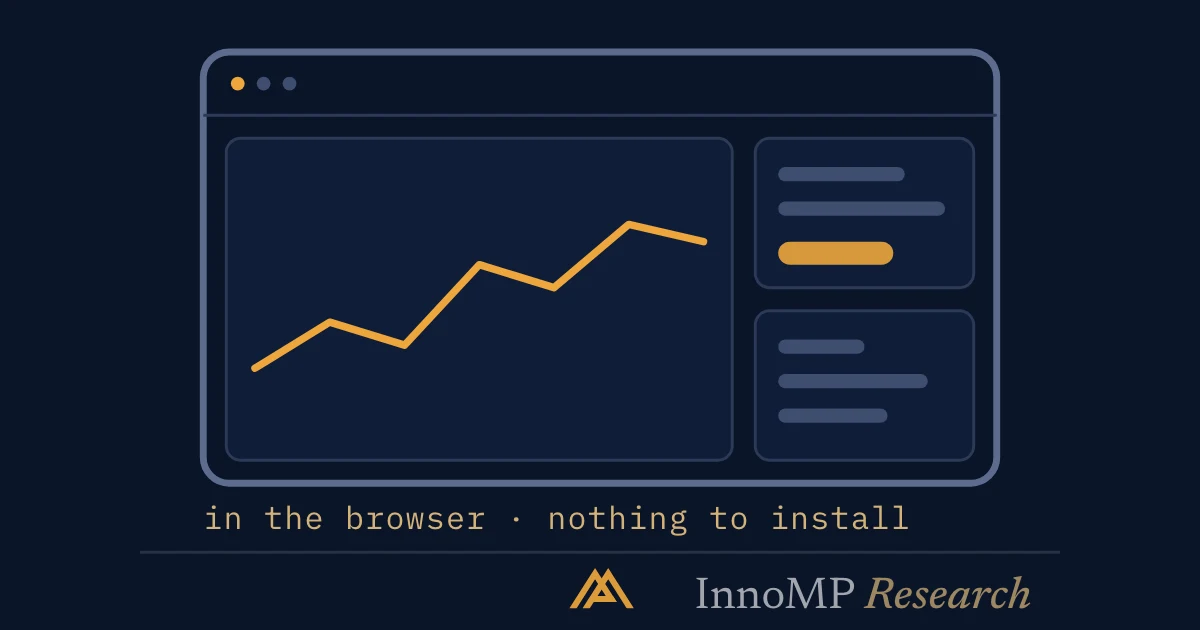
InnoMP WebTrader is the browser platform — the full trading environment with nothing to install, opened from the InnoMP client portal. Because the workspace is tied to the login rather than the device, the same layout appears on any machine you sign in from. The default view has four regions: instrument list, chart, order panel and account bar. Charting covers 8 timeframes, 4+ chart types, 30 drawing tools and 80 indicators, and orders can be placed or modified by dragging on the price axis.
WebTrader is the browser platform — the full trading environment with nothing to install, which makes it the natural primary platform for anyone who works across more than one machine. This tour covers the workspace in the order a new user meets it.
Signing in
WebTrader opens from the client portal at innomp.com. Because it is tied to your login rather than a device, the same workspace appears wherever you sign in — office, home, or a borrowed laptop. That portability is the platform’s quiet superpower, and it is also a reason to take account security seriously: enable two-factor authentication in the portal settings before doing anything else.
The workspace
The default layout has four regions:
- Instrument list (left) — searchable market list and your watchlists
- Chart (centre) — the working area, splittable into multiple charts
- Order panel (right) — ticket, depth, and instrument details
- Account bar (bottom) — balance, equity, margin in use, free margin, and open positions
Each panel can be resized or collapsed. The layout that serves most discretionary traders: one large chart, the watchlist narrow on the left, and the positions tab open at the bottom — visible margin is a quiet discipline aid.
Charting
The numbers are generous for a browser platform: 8 chart timeframes, 4+ chart types, 30 drawing tools and 80 indicators. Three specifics worth knowing early:
Drawings persist per instrument. Levels drawn on gold today are there next week — draw your structure once, properly, in a quiet moment. This pairs with the approach in Setting Market Watcher alerts: mark the level, set the alert, close the tab.
Multi-chart layouts let you watch a pair on two timeframes side by side. Two charts genuinely helps; six is a screensaver that produces anxiety.
Trading from the chart — orders can be placed and modified by dragging directly on the price axis. It is fast, which is exactly why the stop and target should be decided before your hand is on the mouse.
Key takeaway WebTrader’s server-side workspace means your analysis follows you, not the machine. Do the slow work — levels, alerts, watchlist curation — once, and every device you sign in from inherits it.
The order ticket
The ticket takes market and pending orders, with stop-loss and take-profit attachable at entry. Two fields deserve attention on every single order:
Volume is denominated in lots. Confirm the pip value for the instrument before choosing size — the arithmetic is in our pip guide — because a “usual” size on the wrong instrument is a different risk entirely.
Required margin updates live as you set volume. If the number is a meaningful fraction of free margin, the position is too large for the account regardless of how good the idea is.
Account tools
The account bar’s numbers matter more than they look:
- Balance — realised funds
- Equity — balance plus open profit and loss
- Margin level — equity as a percentage of margin in use; the number that margin calls reference
Reports and statements export from the portal — entries, exits, costs, and swap. Anyone serious about improving reviews these monthly; the trader who knows what last month’s costs actually were is rare, and it shows in their sizing.
WebTrader or the app?
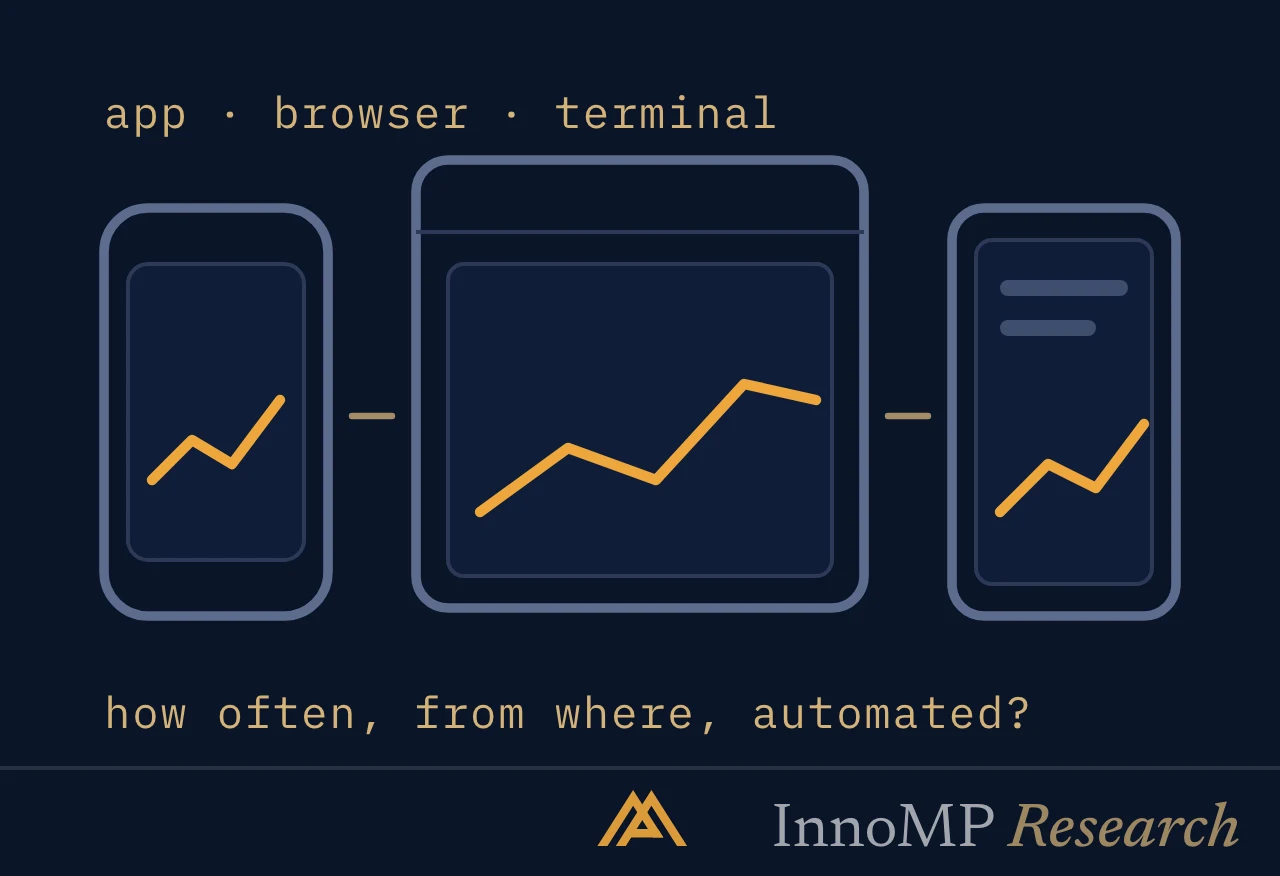
Both, for different jobs. WebTrader for analysis, order construction and review; the app for monitoring what you built. The division of labour is covered in choosing your platform — the short version is that the best platform is the one where your most frequent action takes the fewest steps.
- WebTrader runs in the browser with nothing to install and opens from the InnoMP client portal.
- The workspace is server-side, so the same layout follows the login across machines.
- Charting covers 8 timeframes, 4+ chart types, 30 drawing tools and 80 indicators.
- Drawings persist per instrument, so levels drawn once are still there in later sessions.
- Orders can be placed and modified by dragging directly on the chart's price axis.