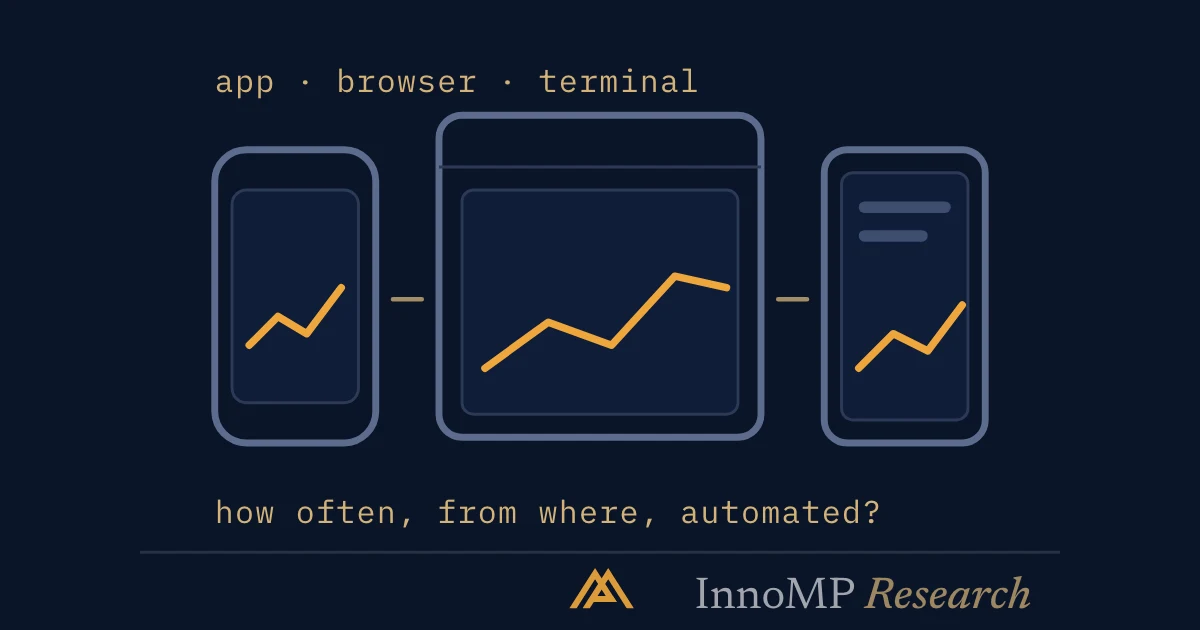
InnoMP runs three trading platforms and describes them as synced across devices: the InnoMP APP on iOS and Android, WebTrader in the browser, and MetaTrader 5 on desktop, mobile and tablet. Which to use is settled by four questions — how often you trade, where you trade from, whether you run anything automated, and what you need from the record. Anything automated settles it: expert advisors, hedging and MQL5 copy-trade integration are MetaTrader 5 features.
InnoMP offers three ways in: the InnoMP APP (iOS and Android), WebTrader in the browser, and MetaTrader 5 across desktop, mobile and tablet. InnoMP describes these as synced across devices. MT5 uses its own account credentials, so check in the client portal which of your accounts each platform reaches — the choice is then a question of where each kind of work happens best.
Four questions settle it.
How often do you trade?
Several times a day. Execution speed and order-entry ergonomics dominate. One-click trading, keyboard shortcuts, order modification directly on the chart. A desktop application generally wins here — the difference between two clicks and five compounds across a session.
A few times a week. Convenience matters more than milliseconds. A browser-based platform removes installation and works from any machine.
A few times a month. Charting depth and analysis tools matter more than execution, because most of the time is spent looking rather than trading.
Where do you trade from?
One machine. A desktop install gives the fullest feature set and stores layouts locally.
Several machines. WebTrader’s server-side workspace avoids rebuilding your setup on each device — 8 timeframes, 80 indicators and 30 drawing tools, wherever you sign in. This is the case most often underestimated: traders who move between office and home lose real time to re-creating chart setups.
Mostly mobile. Mobile is well suited to monitoring and managing existing positions, and poorly suited to analysis. Treat it as a management tool rather than a primary platform.
Key takeaway The best platform is the one where your most frequent action takes the fewest steps. For an active trader that is order entry. For a swing trader it is chart analysis. They are not the same product.
Do you run anything automated?
This narrows the field quickly. If you use expert advisors, custom indicators or automated strategies, MetaTrader 5 is the practical answer — InnoMP’s MT5 supports EAs, hedging and MQL5 copy-trade integration, with 38 indicators and 46 graphical objects built in.
If you do not automate, MT5’s advantage largely disappears, and WebTrader is generally cleaner for discretionary work, with Market Watcher alerts built in.
What do you need from the record?
Anyone reviewing their own trading needs history: entries, exits, costs, exportable in a form a spreadsheet can read. Platforms differ substantially here and it rarely appears in comparisons, because it is unglamorous.
If you intend to analyse your results seriously — and the traders who improve generally do — check the export format before committing.
A reasonable default
Most traders end up running two:
- A primary for analysis and order entry — WebTrader or MT5, chosen from the questions above
- The InnoMP APP for monitoring, Market Watcher alerts, and managing positions and funds away from the desk
That covers the realistic cases without maintaining three workspaces. Whichever you choose, spend an hour on a demo account learning the order-entry flow properly. The cost of discovering a platform’s quirks during a live trade is considerably higher than the cost of an hour spent in advance.
- InnoMP runs three platforms — the InnoMP APP, WebTrader and MetaTrader 5 — described as synced across devices.
- MT5 uses its own account credentials, so the client portal shows which accounts each platform reaches.
- Expert advisors, hedging and MQL5 copy-trade integration are MetaTrader 5 only.
- InnoMP's MT5 carries 38 built-in indicators and 46 graphical objects.
- WebTrader's server-side workspace suits traders who move between machines.