Skip to content
Research / Platform / Market Watcher

InnoMP Market Watcher: setting smart alerts in three steps

InnoMP's Market Watcher fires on price levels, moving averages, Bollinger bands, MACD, KDJ and RSI — with AND/OR logic. Set up properly, it also enforces deciding before price arrives, not after.

InnoMP Research Published 19 Aug 2026 · Updated 19 Aug 2026 5 min read
InnoMP Research cover art — alerts in three steps
In short

InnoMP Market Watcher is the alert centre built into the InnoMP APP and WebTrader. It fires on six families of condition — price level, moving average, Bollinger band, MACD, KDJ and RSI — with adjustable indicator periods and AND/OR logic, so two criteria can be combined into a single, more selective alert. Creating one takes three steps: choose Create Alert, build the conditions, confirm the combination. Set the trigger slightly beyond a level rather than exactly on it, because price probes levels constantly.

Screen-watching is expensive. It costs hours, and it produces worse decisions than the same trader would make away from the chart, because a position watched tick by tick invites intervention that the plan never called for.

Market Watcher — built into the InnoMP APP and WebTrader — solves both problems. Creating an alert takes three steps: choose Create Alert, build the conditions, confirm the combination. What deserves the thought is what goes into step two.

1. Mark the level before you need it

Alerts are only as good as the levels behind them. Work from the chart in a quiet moment: prior swing highs and lows, the boundaries of an established range, the level where a current thesis would be invalidated.

A level marked while price is still far from it A price chart with a horizontal dashed line drawn above the current price and labelled marked now. Price is well below it. A note says the alert is set before price gets there, not after. marked now · 1.0850price nowset before price gets there, not after InnoMP Research
The level goes on the chart while it is still boring. By the time price reaches it, the decision has already been made.

Set alerts at the levels where you would do something. An alert at a level you would only look at is a notification that trains you to ignore notifications.

2. Choose the trigger condition

Market Watcher offers six alert families:

The six trigger types Market Watcher can watch, alone or combined Six labelled boxes in three rows of two: price and moving average, Bollinger band and MACD, KDJ and RSI. Between the rows sit the words AND and OR, showing that conditions can be combined. price levelmoving averageAND · ORBollinger bandMACDAND · ORKDJRSIone condition alerts · two conditions filter InnoMP Research
Six triggers, combined with AND or OR. A single price level is the most common alert; two conditions together is what turns an alert into a filter.
  • Price tracking — rises to, falls to, daily increase above or daily fall below
  • MA — long/short alignment and moving-average crossovers
  • BOLL — breaks above or below the upper, middle or lower band
  • MACD — zero-axis cross, golden cross and death cross
  • KDJ — overbought, oversold and crosses
  • RSI — overbought, oversold and threshold signals

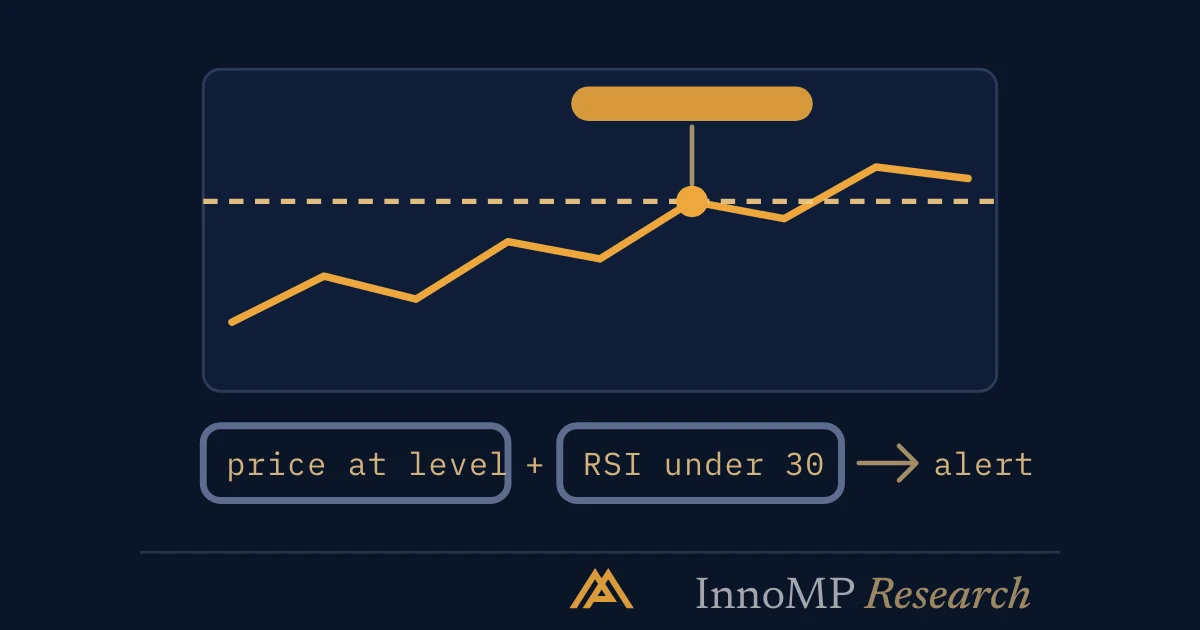
Indicator periods are adjustable, and conditions combine with AND/OR logic — “price reaches 2,430 AND RSI is overbought” is a single alert, and a far more selective one than either condition alone. That selectivity is the point: an alert that fires only when two of your criteria agree is an alert you will still be reading in a month.

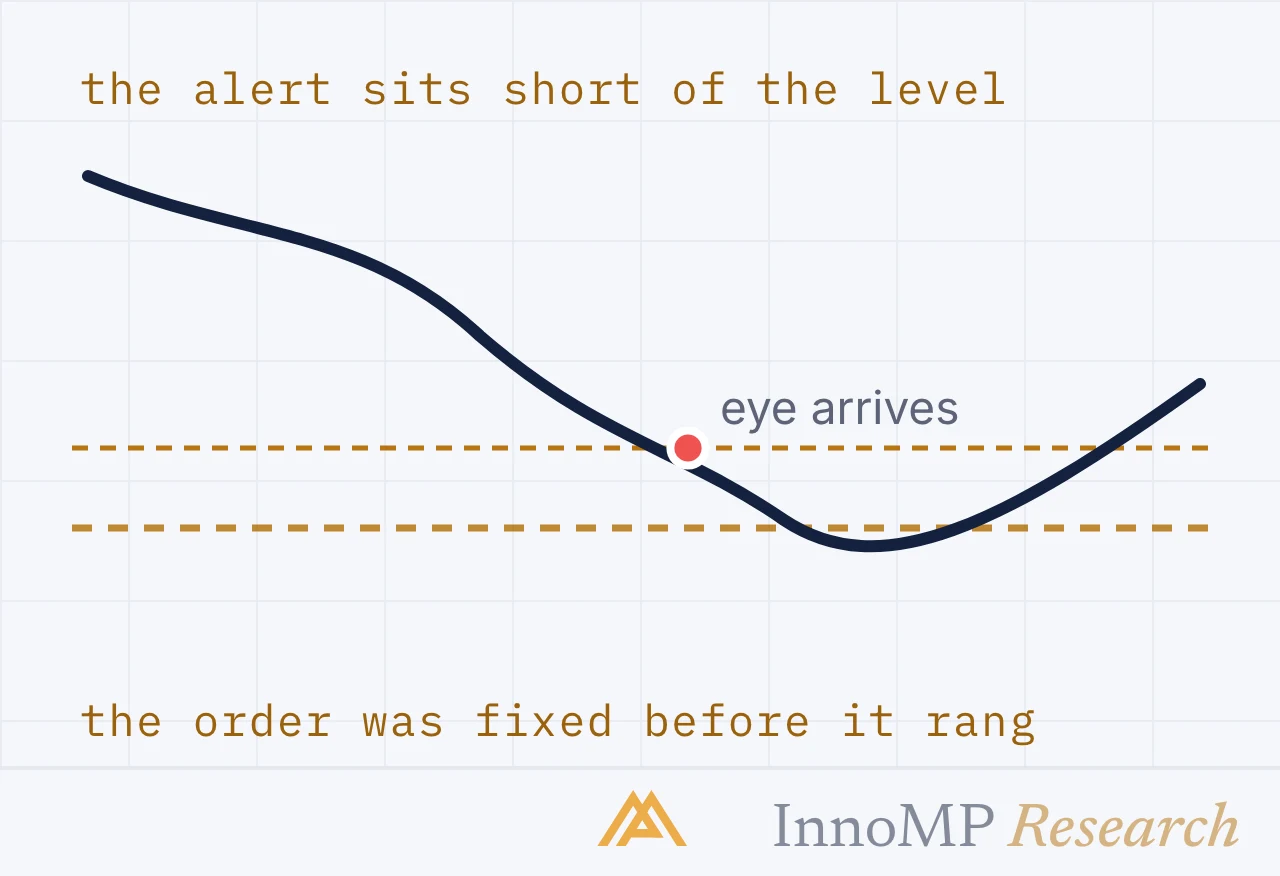
For level-based work, set the trigger slightly beyond the level rather than exactly at it. Price probes levels constantly; an alert set precisely on the line fires on noise.

3. Confirm — and write the decision in

The third step is confirming the condition combination. Before you do, make sure the alert carries its own instructions.

An alert card with the decision written into it An alert card showing the condition, EURUSD above 1.0850, and beneath it a note field reading if it holds for two candles, buy 0.10 with a stop at 1.0820. A label marks the note field as the part most people skip. alert · EURUSDprice above 1.0850decisionif it holds two candles, buy 0.10stop 1.0820 · target 1.0910the field most people leave empty InnoMP Research
The alert says where. The note says what you will do there. Without the second line, the phone buzzes and you start thinking — which is what the alert was meant to prevent.

Key takeaway Write the decision into the alert. “EURUSD at 1.0850” tells you nothing when it fires at 3am. “EURUSD 1.0850 — range top, look for rejection, do not chase” tells you what the calmer version of yourself already concluded.

After setup: review weekly

Alerts go stale. A level that mattered three weeks ago may be irrelevant now, and the accumulated debris makes the useful ones harder to notice.

A weekly review of alerts: kept, acted on, ignored, stale Four alert rows with a status each: two fired and acted on, one fired and ignored, one never fired and is stale. The ignored and stale rows carry red marks and the note says delete these. XAUUSD 2,400 — fired, acted onUS500 5,200 — fired, acted onEURUSD 1.0850 — fired, ignoredGBPJPY 190 — never fired, 6 weeks olddelete the red ones — or rewrite the decisionan ignored alert trains you to ignore alerts InnoMP Research
An alert that fired and was ignored is teaching you to ignore alerts. Delete it, or rewrite the decision so next time you act.

Once a week: delete what has triggered, delete what no longer applies, add levels from the current structure. Five minutes.

The part that actually matters

The mechanical benefit of alerts is not having to watch. The larger benefit is that they force the decision to be made in advance.

An alert is a call to check the plan, not a signal to trade Three boxes in a vertical sequence: alert fires, check the plan, decide — and a fourth branch labelled no trade, which is also an outcome. A note says the alert replaced the watching, not the thinking. alert firescheck the plantrade, as writtenno tradeit replaced the watching, not the thinking InnoMP Research
The alert replaces the screen-watching. It does not replace the decision — and no trade is a perfectly good answer.

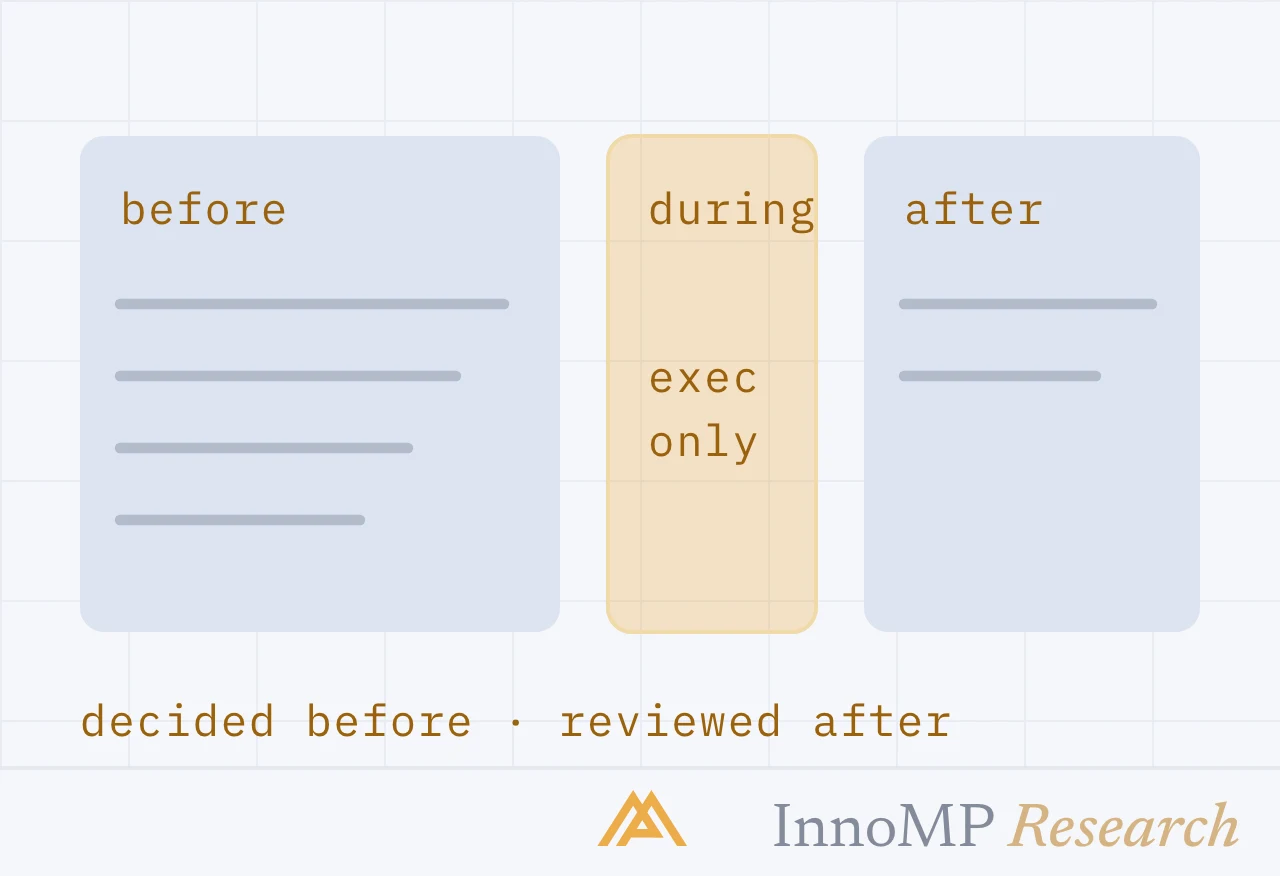
A trader who decides at 2pm on Sunday what to do if a level breaks is a different trader from one deciding in the moment with the position already moving. The alert is what carries the first decision to the second moment — which is most of what a trading plan is for.

Key facts
  • Market Watcher is built into both the InnoMP APP and WebTrader.
  • It offers six alert families: price level, moving average, Bollinger band, MACD, KDJ and RSI.
  • Indicator periods are adjustable and conditions combine with AND/OR logic.
  • Creating an alert takes three steps: create, build the conditions, confirm.
  • An alert set exactly on a level fires on noise; set it slightly beyond.
Frequently asked questions

What is InnoMP Market Watcher?

It is the alert centre built into the InnoMP APP and WebTrader. It monitors instruments for you and notifies you when a condition you set is met, so a level can be watched without watching the screen.

What conditions can a Market Watcher alert use?

Six families: price level, moving average, Bollinger band, MACD, KDJ and RSI. Indicator periods are adjustable, and conditions combine with AND/OR logic — so 'price reaches 2,430 AND RSI is overbought' is a single alert, and a far more selective one than either condition alone.

How do I set an alert in Market Watcher?

Three steps: choose Create Alert, build the conditions, then confirm the combination. Set the trigger slightly beyond your level rather than exactly on it — price probes levels constantly, and an alert sitting on the line fires on noise.

Sources

  1. InnoMP Market Watcher — alert conditions and setupInnoMP
InnoMP Research

The research and education desk of the InnoMP trading platform — trading education and platform guides, published in the open and kept up to date.

Published 19 Aug 2026 · Updated 19 Aug 2026

Disclaimer: This content is provided for general informational purposes only and does not constitute investment advice, an offer, or a solicitation to buy or sell any financial instrument. It has been prepared without regard to your individual financial circumstances or objectives. Trading CFDs involves a high risk of loss.

Related notes