The InnoMP APP is InnoMP's iOS and Android trading app, covering 100+ instruments across forex, metals, energies, indices and stocks. It is organised around four areas — Markets, Watchlist, Positions and Market Watcher — and handles account administration too: Standard, ECN, Copy Trade and Cent accounts can be opened and switched inside the app. A demo runs on live prices with $100,000 in virtual capital, and live funding starts from a $20 minimum deposit.
The InnoMP APP is where most clients first meet the platform, and the first session sets habits that last. This guide covers the fifteen minutes that matter: getting in, choosing the right account type, and setting up the two features that do the most work — the watchlist and Market Watcher alerts.
Installing and signing in
Download the app from your device’s official store — search for InnoMP and check the publisher name before installing. Sign in with your existing account credentials, or register from inside the app; on registration the system automatically creates a default ECN real account, and KYC verification is shown during onboarding.
If you are not ready to fund an account, start with the demo: $100,000 in virtual capital on live prices, and everything in this guide works identically there. How to use an InnoMP demo account properly covers what to practise on it and what it cannot teach. Funding, when you are ready, starts from a $20 minimum deposit.
The app also handles account administration: you can open additional accounts — Standard, ECN, Copy Trade or Cent — switch between them, and manage deposits and withdrawals without leaving the app. Which type suits which trader is covered in the platform comparison.
Finding your way around
The app is organised around four areas:
- Markets — 100+ instruments across forex, metals, energies, indices and stocks, searchable by asset class
- Watchlist — your own shortlist, which is where you should actually live
- Positions — open trades, pending orders, and the account summary
- Market Watcher — price and indicator alert centre
The single most useful habit is treating the watchlist, not the full market list, as home. Scrolling hundreds of instruments produces impulse trades; a curated list of six to ten produces decisions you planned.
Building a watchlist that works
Add the instruments you genuinely follow — for most traders that is two or three currency pairs, gold, one index, and perhaps a share CFD you know well. For each, the quote line shows bid, ask and the day’s change, and tapping through opens the chart.
Key takeaway A short watchlist is a risk-management tool disguised as a convenience. Every instrument you do not follow closely is an instrument you would be trading on half-read information.
Charts on a small screen
Phone charts are for monitoring, not deep analysis. Rotate to landscape for a fuller view, and keep the indicator count low — two is plenty on a phone. The chart supports the standard drawing tools; levels you drew on WebTrader carry across, which is the better division of labour: analyse on the big screen, monitor on the small one.
Market Watcher: the feature that replaces screen-watching
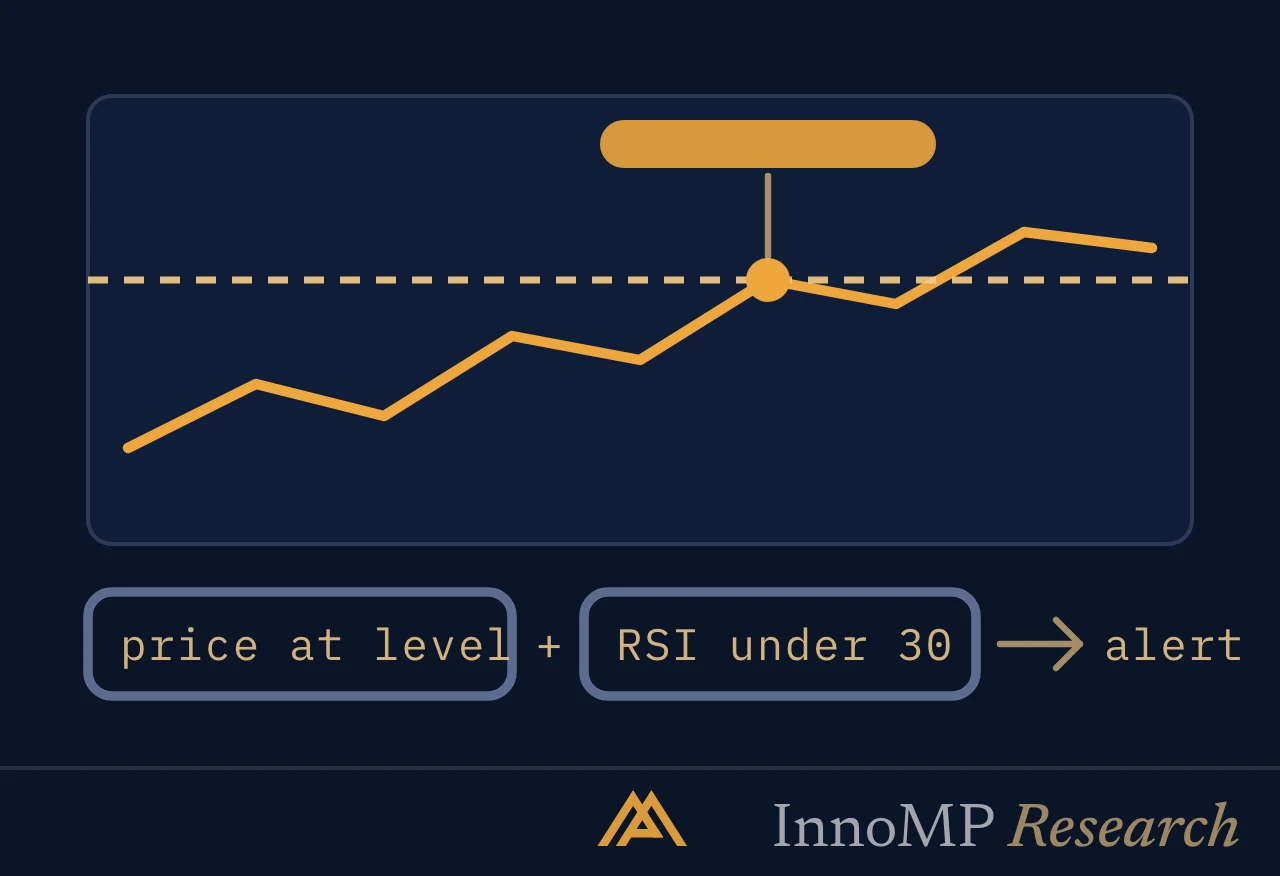
From any instrument, set an alert at a level where you would actually do something — the boundary of a range, the level where a trade idea becomes valid or invalid. Market Watcher goes beyond price levels: it can fire on moving-average crossovers, Bollinger band breaks, MACD and KDJ crosses and RSI thresholds, and conditions combine with AND/OR logic.
Set price alerts slightly beyond round numbers rather than exactly on them, and review the list weekly. A detailed walkthrough is in Setting Market Watcher alerts.
Before your first live trade
Three checks, in order:
- Confirm the account mode. Demo and live look deliberately similar; the badge on the account summary tells you which is active.
- Size the position from your risk, not from the margin available. The order ticket shows required margin — that is a constraint, not a suggestion. Our guide to position sizing is the longer version.
- Attach the stop at order entry, not after. The ticket supports stop and limit attached to the opening order; a stop added “in a minute” is frequently a stop added after the move.
The app puts execution in your pocket. Whether that is an advantage depends entirely on whether the decisions were made before the phone came out.
- The InnoMP APP runs on iOS and Android and reaches 100+ instruments across forex, metals, energies, indices and stocks.
- The app is organised around four areas: Markets, Watchlist, Positions and Market Watcher.
- Standard, ECN, Copy Trade and Cent accounts can be opened and switched inside the app.
- An InnoMP demo carries $100,000 in virtual capital on live prices; live accounts open from a $20 minimum deposit.
- A watchlist of six to ten instruments is the habit the first session should establish.